
Explore mathematics
Geometry, algebra, functions, calculus, and more.
Explore mathematics
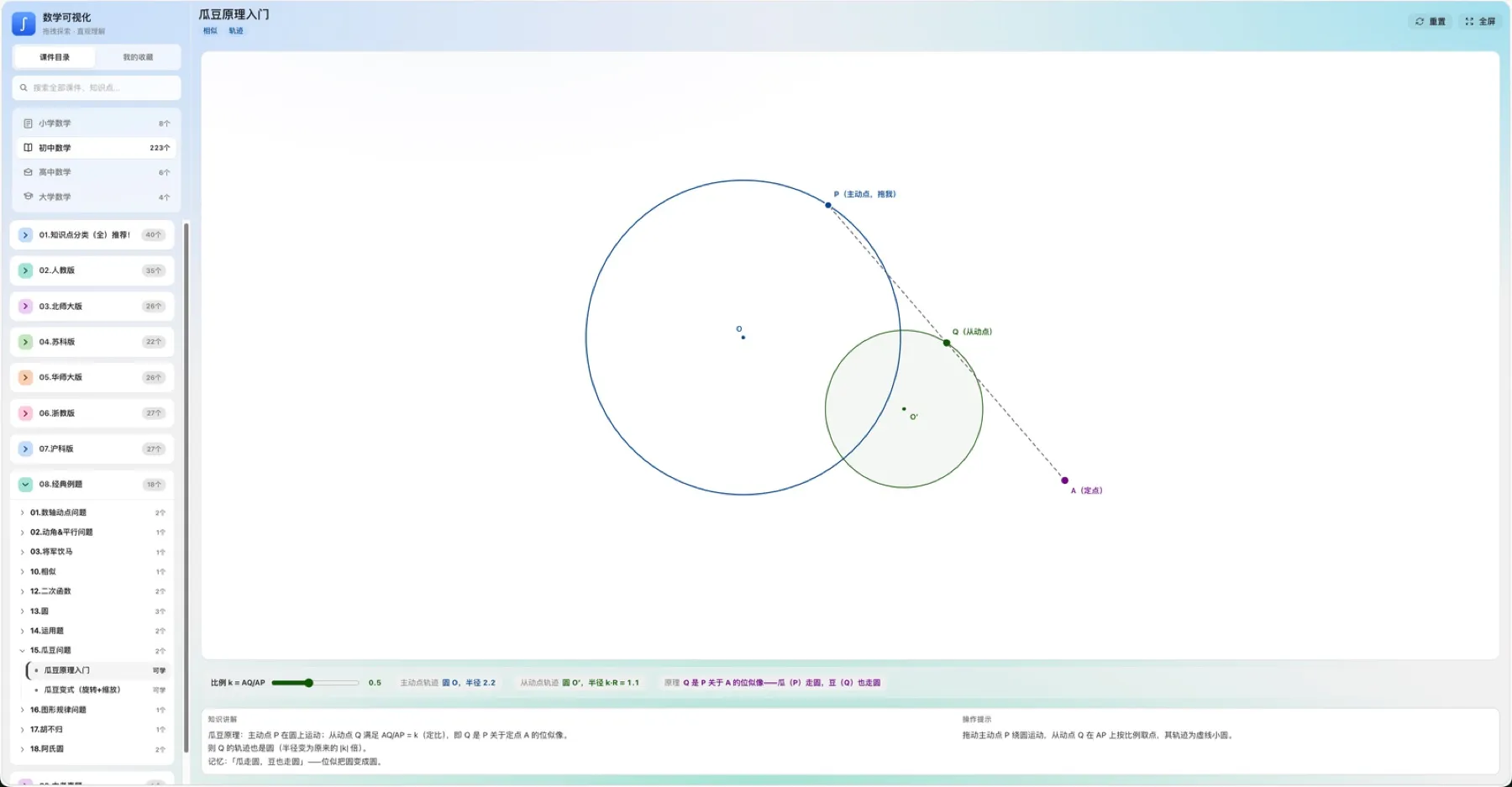
Browse interactive lessons by algebra, geometry, calculus, and more. Drag parameters and watch graphs and relationships update live.
Topic resource hubs · Graphing & geometry tools · Free in the browser
Explore physics
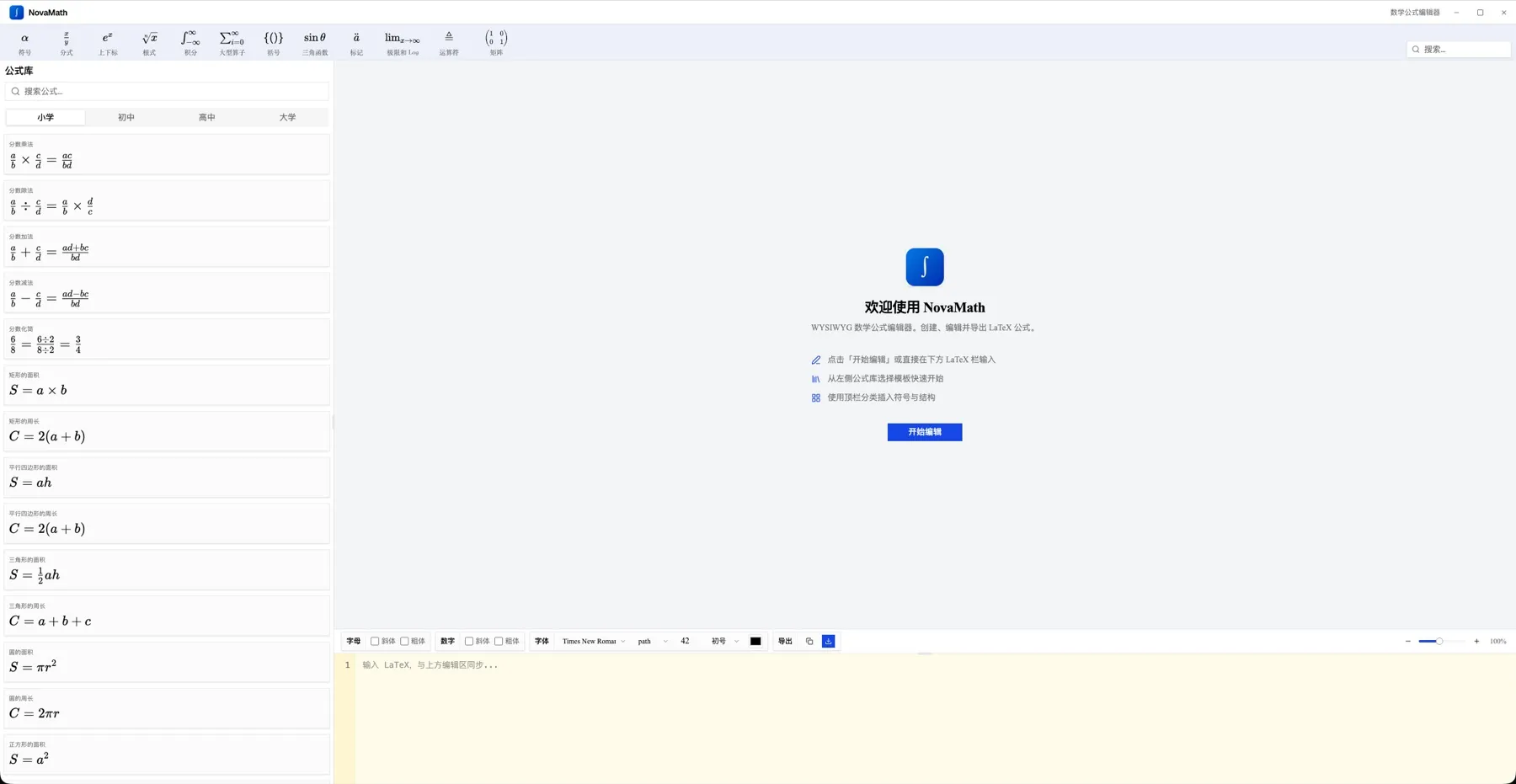
Interactive middle- and high-school physics — mechanics, optics, pressure, buoyancy — with live readouts and 3D sims in the browser.
Mechanics · optics · pressure · Real-time simulation · Tunable models
Online equation editor
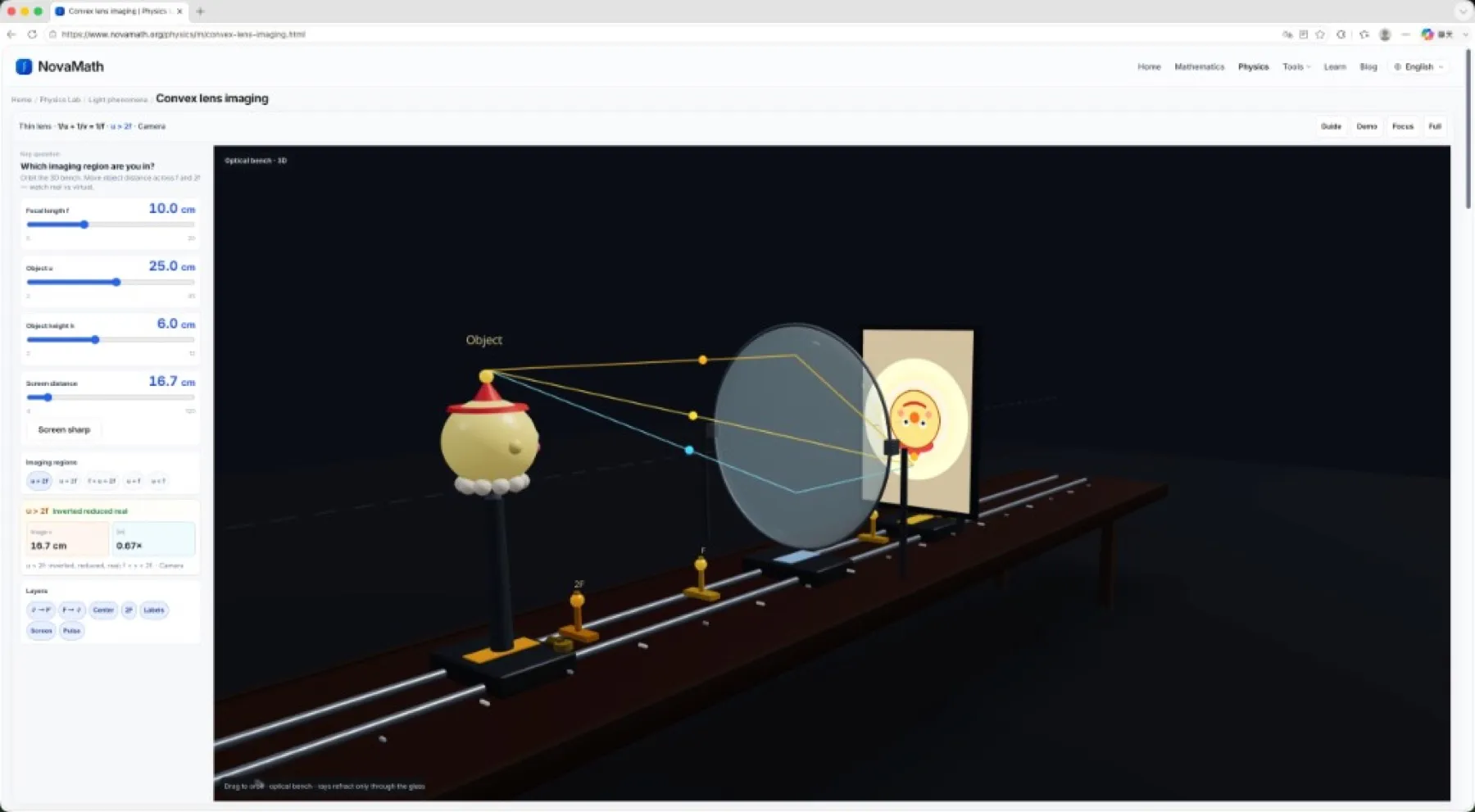
A platform tool for writing math: visual or LaTeX input, live preview, then copy into homework, Word, and lesson notes.
WYSIWYG math input · Copy LaTeX · No install required
Explore
Pick a subject, open a topic page, then launch interactives or labs — clear for classrooms and self-study.
Geometry, algebra, functions, calculus, and more.
Mechanics, optics, pressure, buoyancy, and labs.
Equation editor, symbol sheet, and graphing tools.
How-tos, formula sheets, and the user guide.
Physics Lab
Full lab UI with tunable parameters, live readouts, and 3D sims — open in the browser.
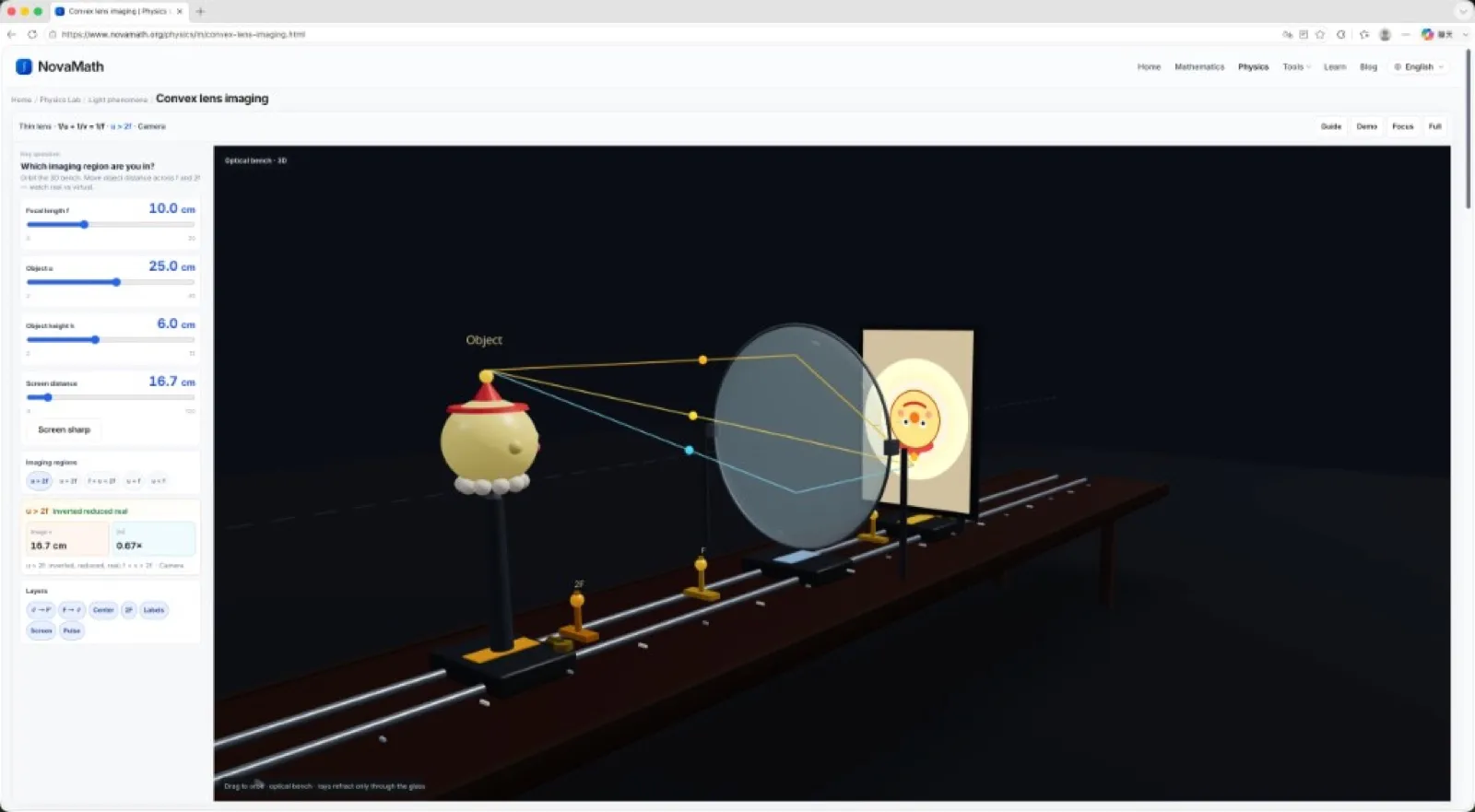
Required: 1/u+1/v=1/f across five regions; interactive 2D/3D optical bench.
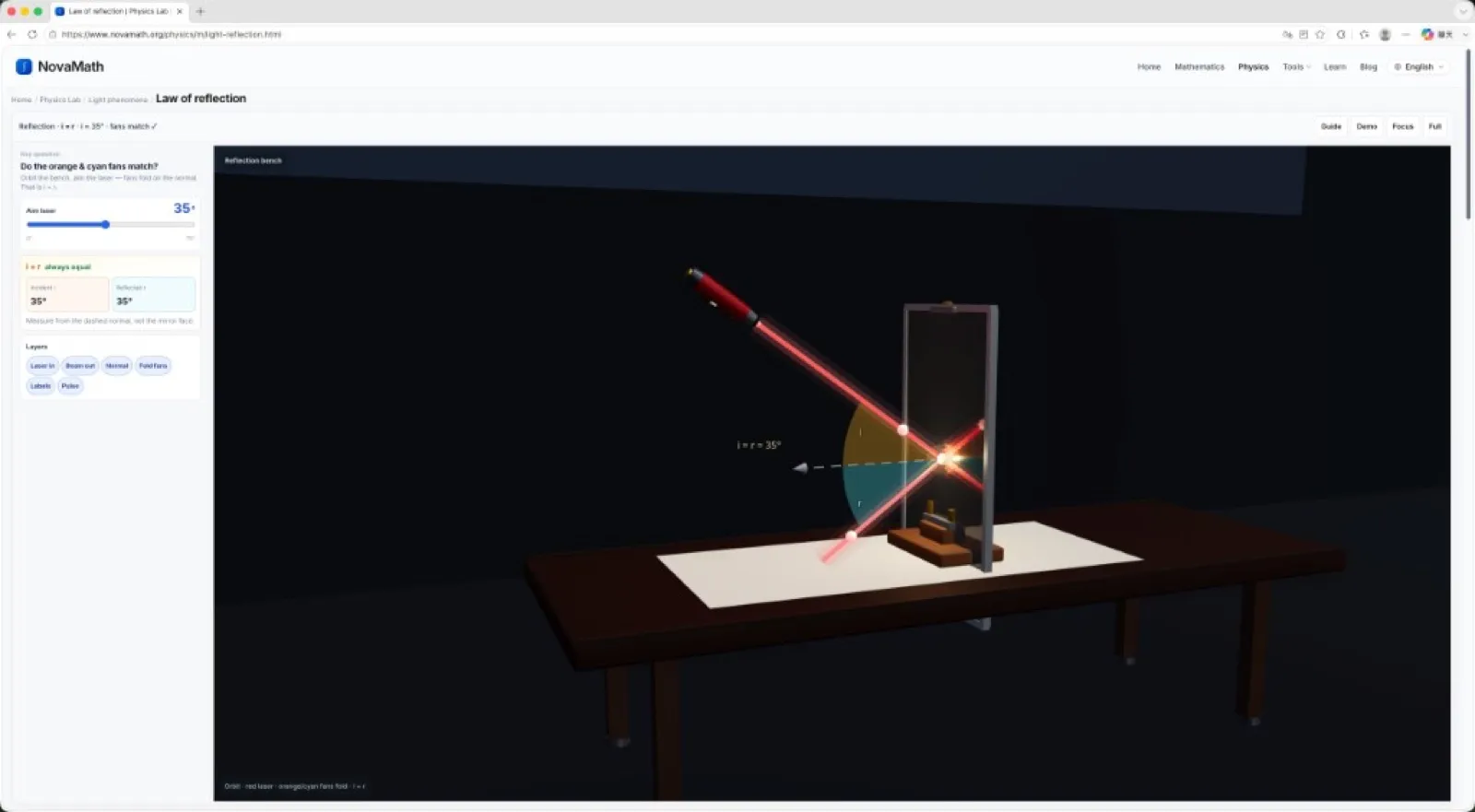
Required: angle of reflection equals angle of incidence.
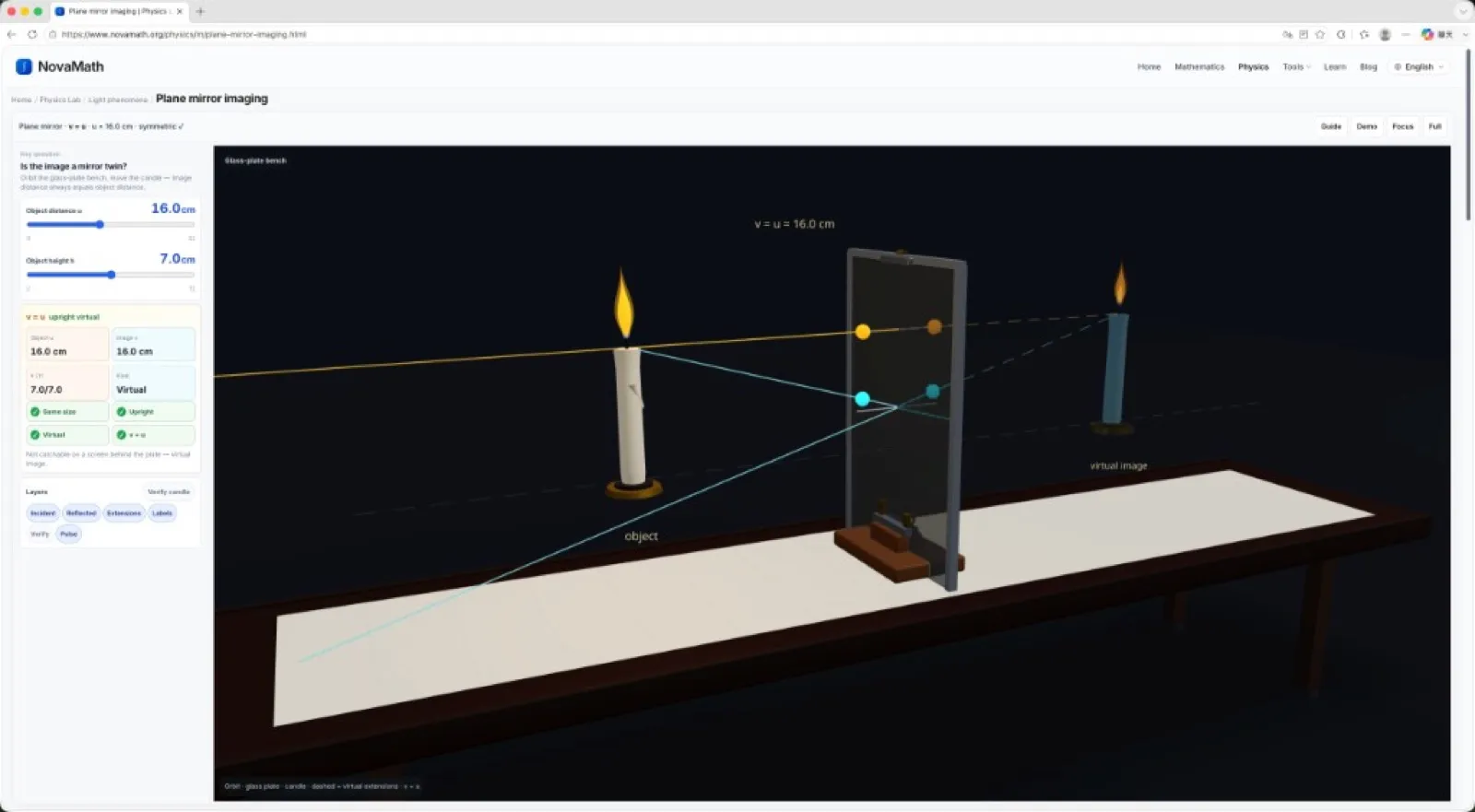
Required: same-size upright virtual image with v = u; drag to see symmetry.
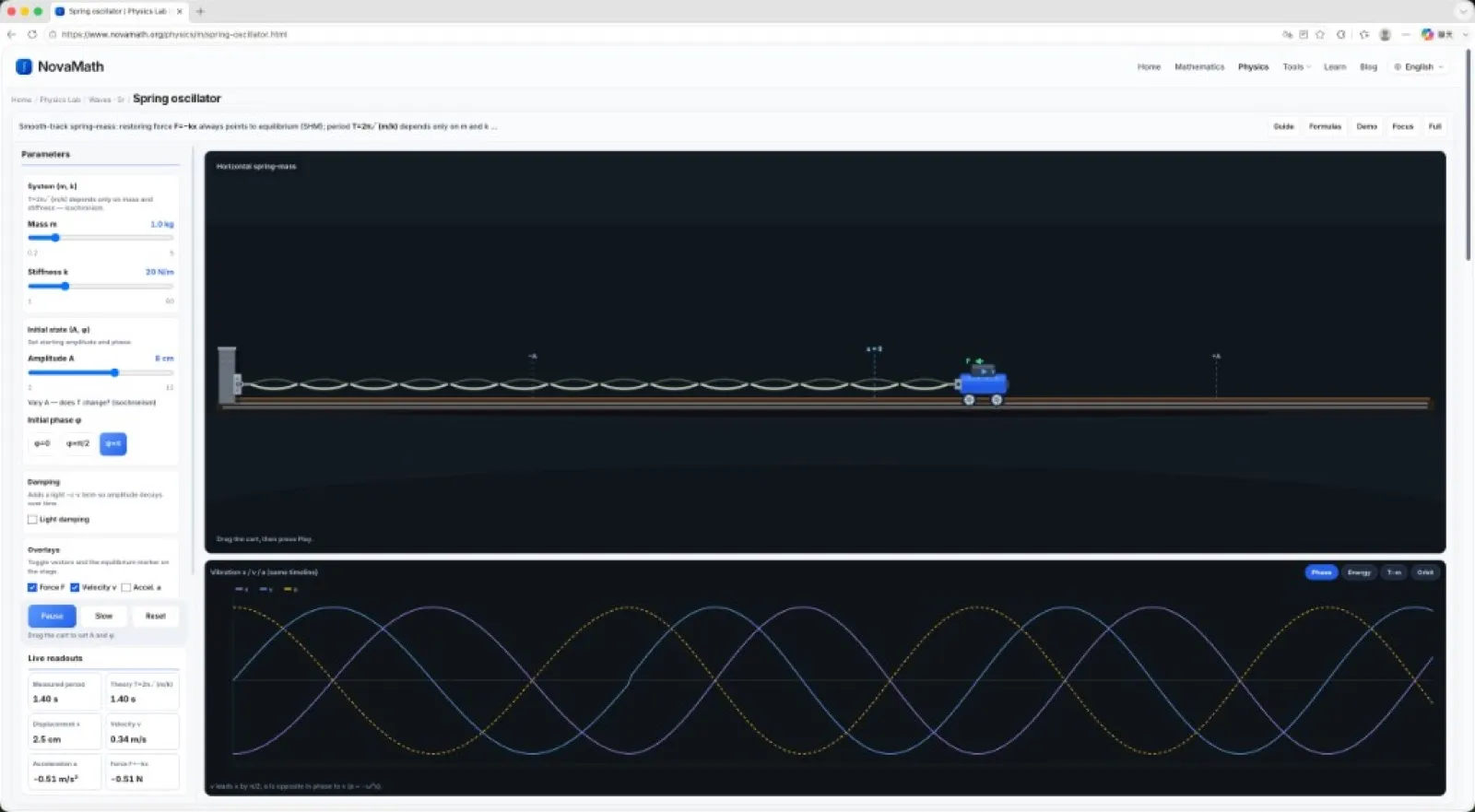
Smooth-track SHM: F=−kx; T=2π√(m/k) depends only on m, k (isochronism); phase, energy, orbit, damping.
Learning paths
Build intuition with math visuals and physics labs; open the equation editor when you need precise formulas.
Explore mathematics
Browse interactive lessons by algebra, geometry, calculus, and more. Drag parameters and watch graphs and relationships update live.
Explore physics
Interactive middle- and high-school physics — mechanics, optics, pressure, buoyancy — with live readouts and 3D sims in the browser.
Online equation editor
A platform tool for writing math: visual or LaTeX input, live preview, then copy into homework, Word, and lesson notes.
How it works
No install — open the browser and start learning or writing.
Enter a math or physics pillar and find the concept you need.
Drag parameters, watch graphs or lab readouts, and build intuition.
When homework or notes need formulas, open the editor and copy LaTeX.
Product updates, math tool tips, and teaching notes
How to type fractions online—slash notation, Unicode, LaTeX, and a free equation editor. Practical options for homework, worksheets, Chromebooks, and phones.
Read more →Tired of Word breaking when you fix one piecewise function? A free online equation editor for teachers—visual input, LaTeX shortcuts, GeoGebra resources, one-click export.
Read more →A practical LaTeX math symbols cheat sheet—operators, Greek letters, integrals, matrices, and more. Copy-paste codes, plus links to deeper guides.
Read more →Users
One learning platform for teaching, assignments, and self-study.
I use the editor to adapt library formulas for homework, then open viz when a concept still feels abstract.
Handouts come from the editor; class demos come from the visualization library. Students follow more easily.
Complex expressions go through templates and the LaTeX bar; when I need intuition, I switch to viz — same platform.
FAQ
An interactive math & physics learning platform: explore visualizations and the Physics Lab first; open the equation editor when you need to write formulas. Learning is the product; writing is a tool.
Yes. Math interactives, Physics Lab, and the equation editor work in the browser.
Learn math: geometry, algebra, functions, calculus. Learn physics: mechanics, optics, pressure, buoyancy, and more. Use tools: the equation editor for homework, notes, and papers.
Yes. The Physics Lab lists experiments by topic (optics, pressure, buoyancy, …) with tunable parameters and formula readouts.
Yes. In the equation editor, visual edits stay synced with the LaTeX source — copy into Word, Markdown, or paper templates.
NovaMath
Free math visuals, Physics Lab, and equation tools — ready in the browser.